How DropStop decides to shut off
DropStop never cuts your water without warning you first, except when your water source has run dry (see below). For a possible leak it goes in three stages:
-
1
An alert
For example Water running too long or Possible slow leak. If the water is you, tap Acknowledge and DropStop leaves the pump alone. Filling a pool or watering? Tap Snooze 1h. If it's a leak, tap Turn off pump.
-
2
A warning
If nobody responds and the pump keeps running, you get Pump shutoff imminent. By default that's 30 minutes after the alert. Acknowledging still stops the shutoff at this point.
-
3
The shutoff
By default 15 minutes after the warning, and only if the pump is still running, DropStop switches the pump off. In Away mode both waits are shorter, because nobody is home to answer. You can change the times, or switch auto-shutoff off, in Settings.
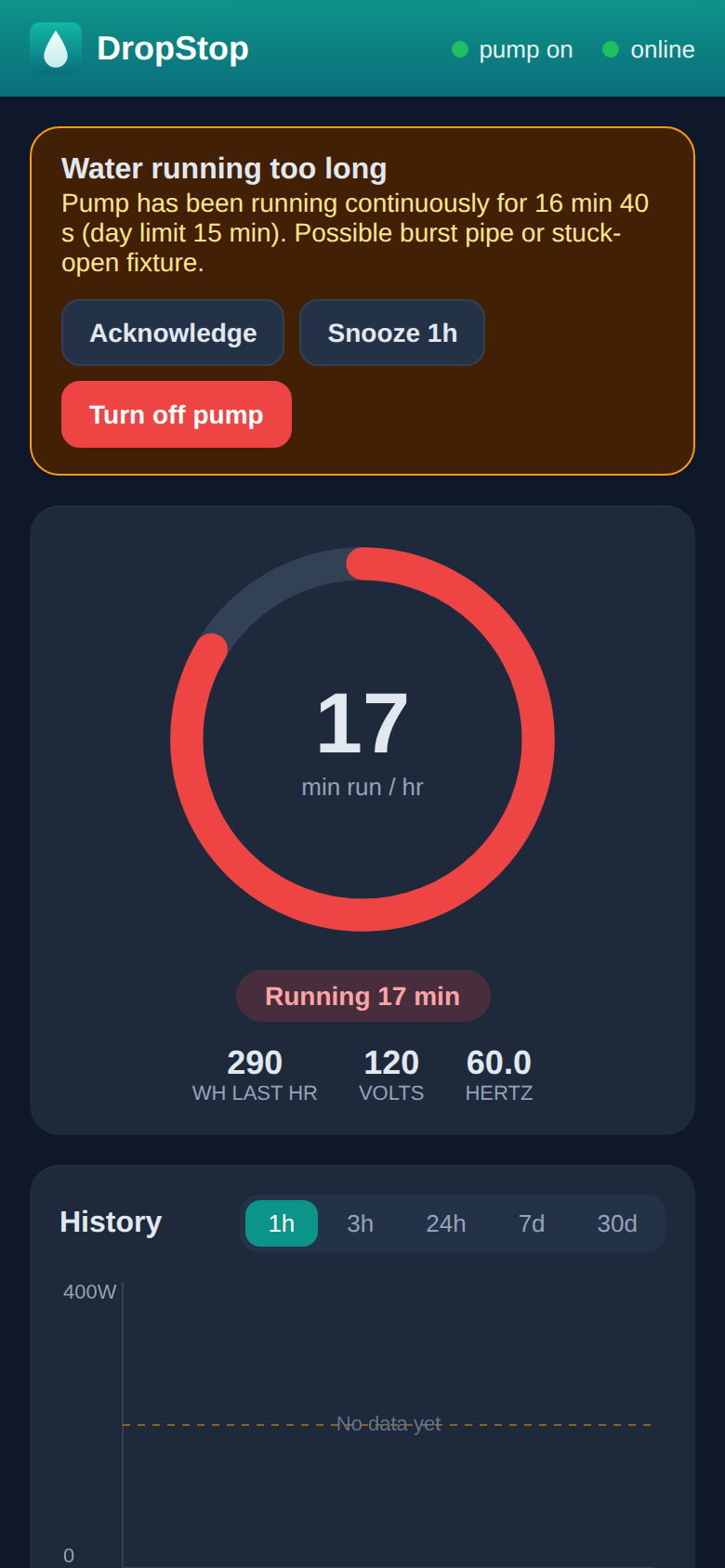
Which banner do you have?
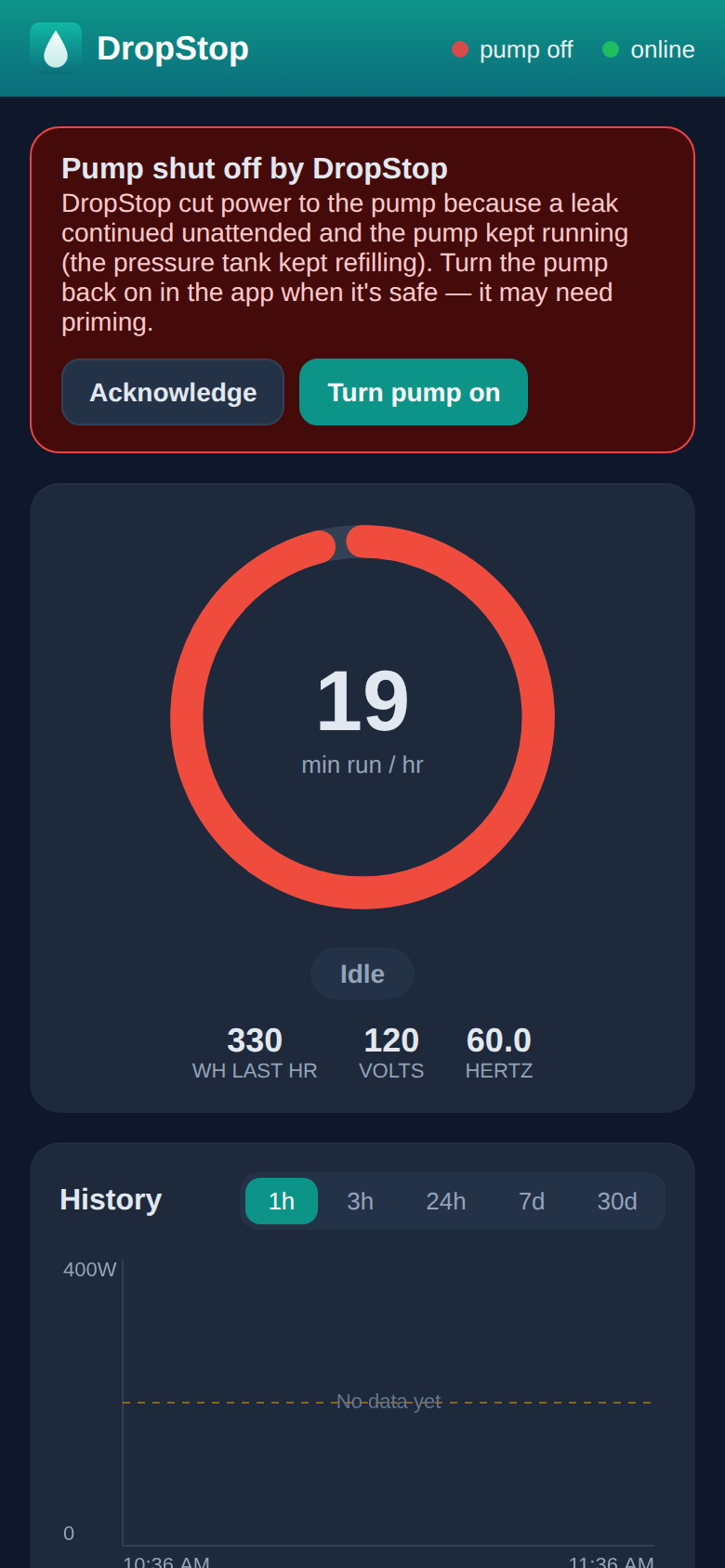
"Pump shut off by DropStop"
DropStop saw the pump keep running after a leak alert nobody answered, and cut the power to stop the water. Before turning it back on, look for the leak: a burst or dripping pipe, a running toilet, a hose or tap left on, irrigation. Fix it or close it off first. Otherwise the pump just starts filling it again.
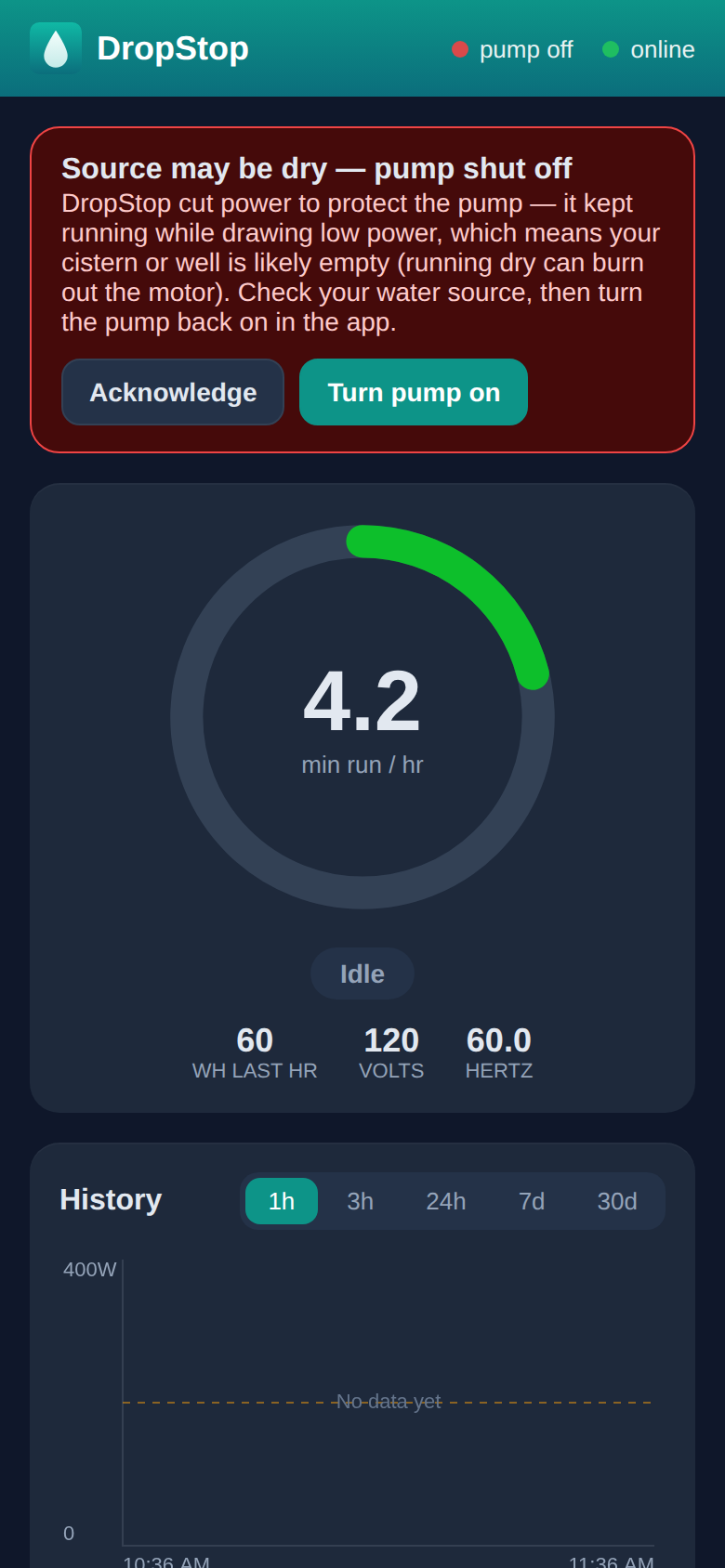
"Source may be dry — pump shut off"
The pump was running but working too lightly, which means it was pumping air: your cistern, tank or well is probably empty. Running a pump dry can burn out its motor, so DropStop switches it off straight away, without the usual warning. Check the water level and let it refill. Your pump may need priming before it will pump again.
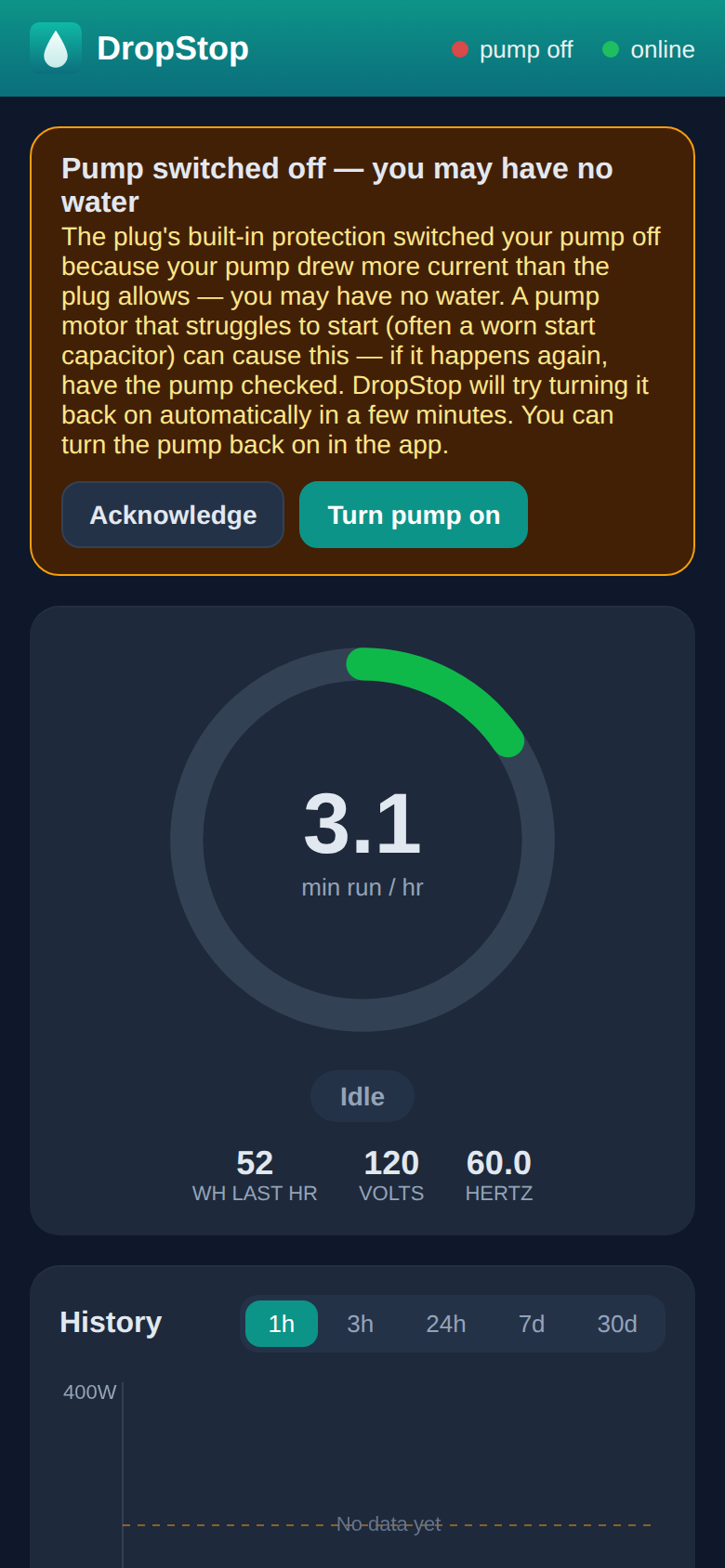
"Pump switched off — you may have no water"
Something other than DropStop switched the pump off, and the message says what. Most often it's the plug's own safety protection:
- The pump drew more current than the plug allows. A pump motor that struggles to start, often because of a worn start capacitor, does this. DropStop tries turning the pump back on once, a few minutes later. If it trips again, it stays off: have the pump checked.
- The plug overheated. This comes from a very long run, like filling a pool. DropStop turns the pump back on by itself once the plug has cooled down. Give the plug some air around it.
- The supply voltage collapsed, or was too low or too high. That points at the electrical supply rather than the pump. If the message tells you to leave the pump off, do, and have an electrician check the outlet and circuit before using it again.
- Someone pressed the button on the plug. The message says so. Just turn it back on.
Turning the pump back on
-
1
Deal with the cause first
Fix or close off the leak, wait for your water source to refill, or follow what the message says.
-
2
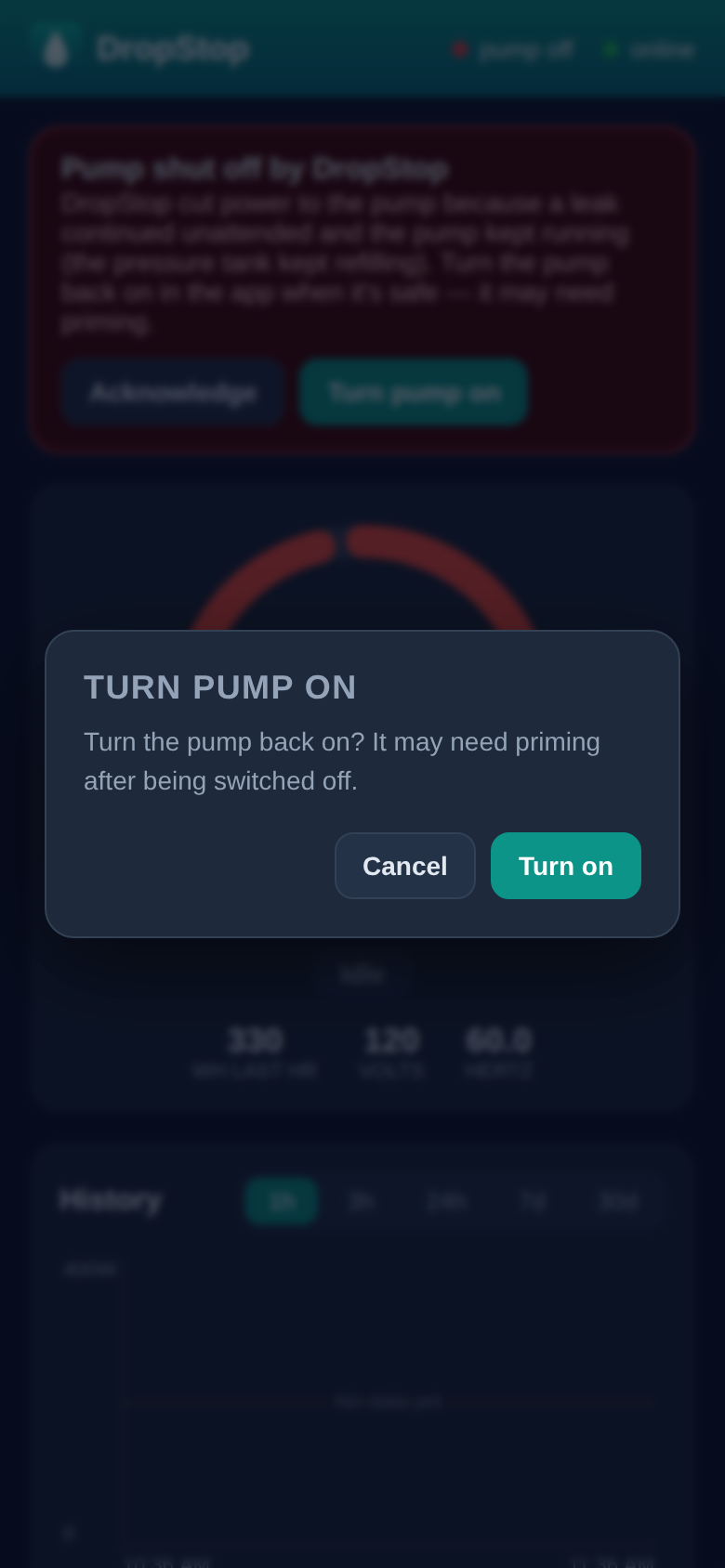
Tap Turn pump on, then Turn on
The pump starts within a few seconds and the top of the app shows pump on. If it runs but no water comes, it needs priming.
-
3
Turn Away mode off if you're home
If Away mode is still on, DropStop asks whether to turn it off as well.
Phone not to hand, or no internet? Press the button on the DropStop plug itself. It switches the pump on or off directly.
Acknowledge doesn't turn the pump on. On a shutoff banner it means "I know, leave it off". Use Turn pump on when you're ready for water again.