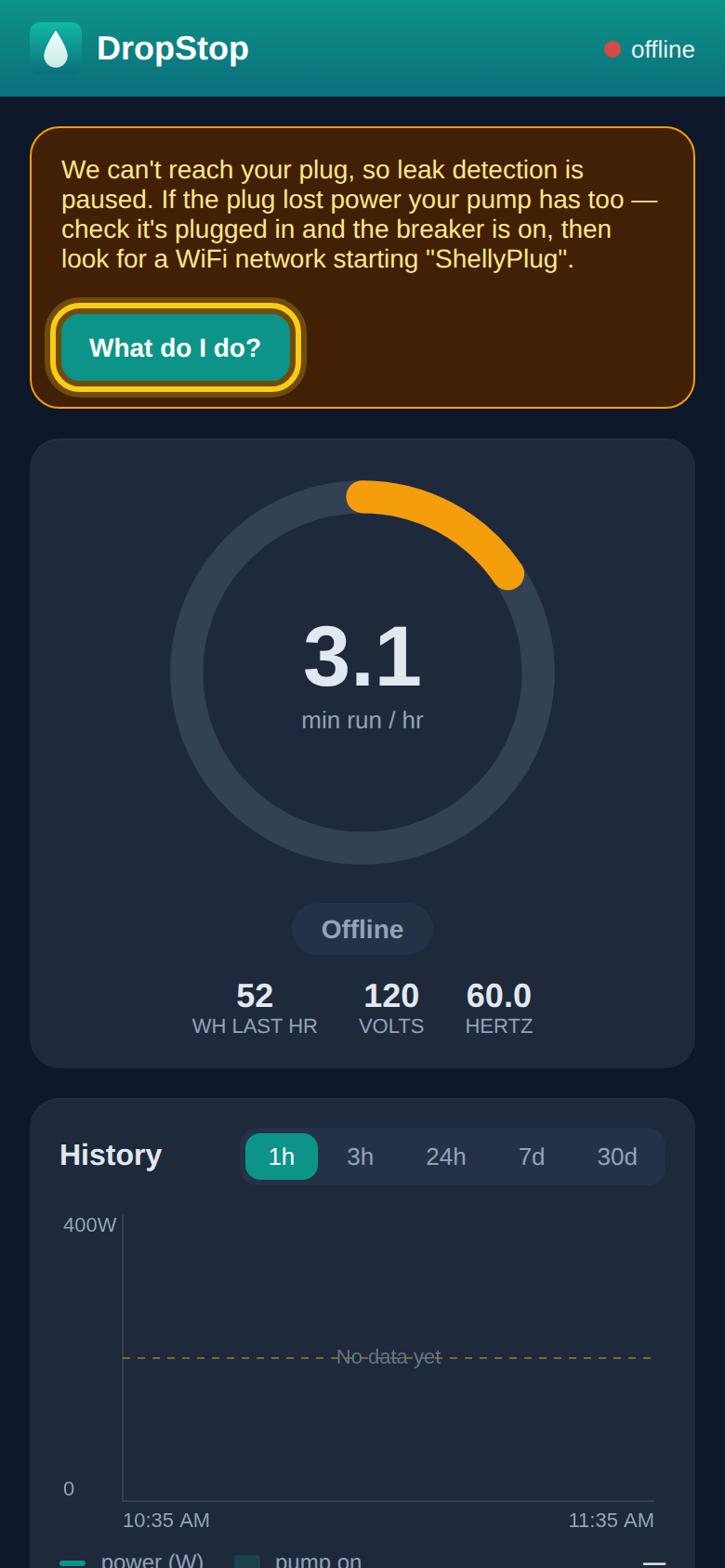
First, the quick checks
-
1
Does the pump have power?
If the plug lost power, the pump has too. Check the plug is pushed firmly into the outlet, and that the breaker for that outlet is on. After a power cut, the plug reconnects by itself within a few minutes of the power coming back.
-
2
Is your internet working?
If your router is off or your internet is down, the plug can't reach us. Once the WiFi is back, give the plug a few minutes to rejoin.
-
3
Still offline? Restart the plug
Unplug the DropStop plug from the wall, wait 10 seconds, and plug it back in. The pump stops while it's unplugged and comes back on by itself. Give it two or three minutes to reconnect.
Changed your WiFi name or password, or got a new router?
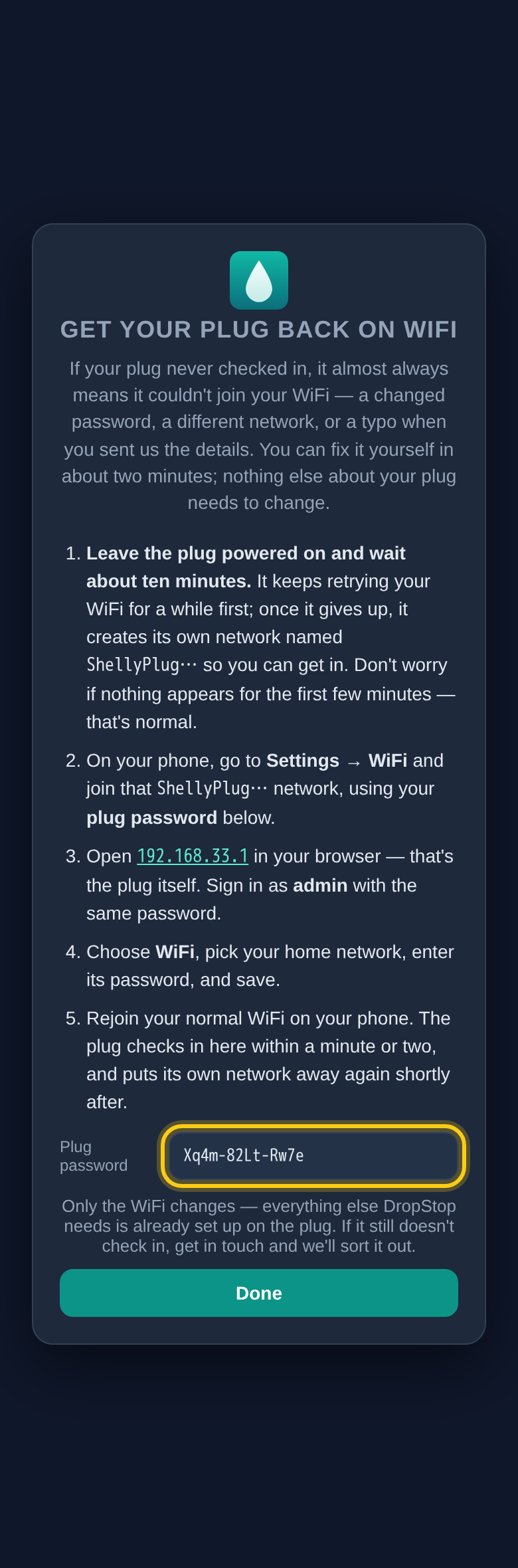
The plug only knows the network it was set up for, so it can't reconnect on its own. You can give it the new details yourself through the plug's own recovery network, using your plug password from the app. It takes a few minutes and nothing else about the plug changes.
See how, step by step. Next time, you can avoid the outage altogether by telling DropStop about the new WiFi before you change it.
Write your plug password down now. You only need it when something has gone wrong, which is the worst time to go looking for it. Find it in the app at the bottom of the dashboard, under Settings, then Plug settings (see where), and keep a copy somewhere safe.
"Back online, but switched OFF"
If the plug comes back with the pump switched off, you have no water until it's on again. This happens when the pump was already off when the plug lost power. Open DropStop and press the Pump button on the dashboard to turn it back on.
Why you might not hear about it straight away
Pump rooms often have weak WiFi, and short dropouts are common and harmless. So DropStop waits a few minutes before telling you, and longer at night. An offline notice that comes overnight waits until morning, because there's nothing you can do about it in the dark. Leak alerts are never held back.
Tried all of this and the plug still won't connect? Get in touch with us and we'll sort it out.