Every property in one app
One account holds as many pumps as you manage. Each pump gets its own DropStop plug, set up for that property's WiFi before we ship it, so there's nothing to configure on site: plug it into the wall, plug the pump into it, and it appears in your list.
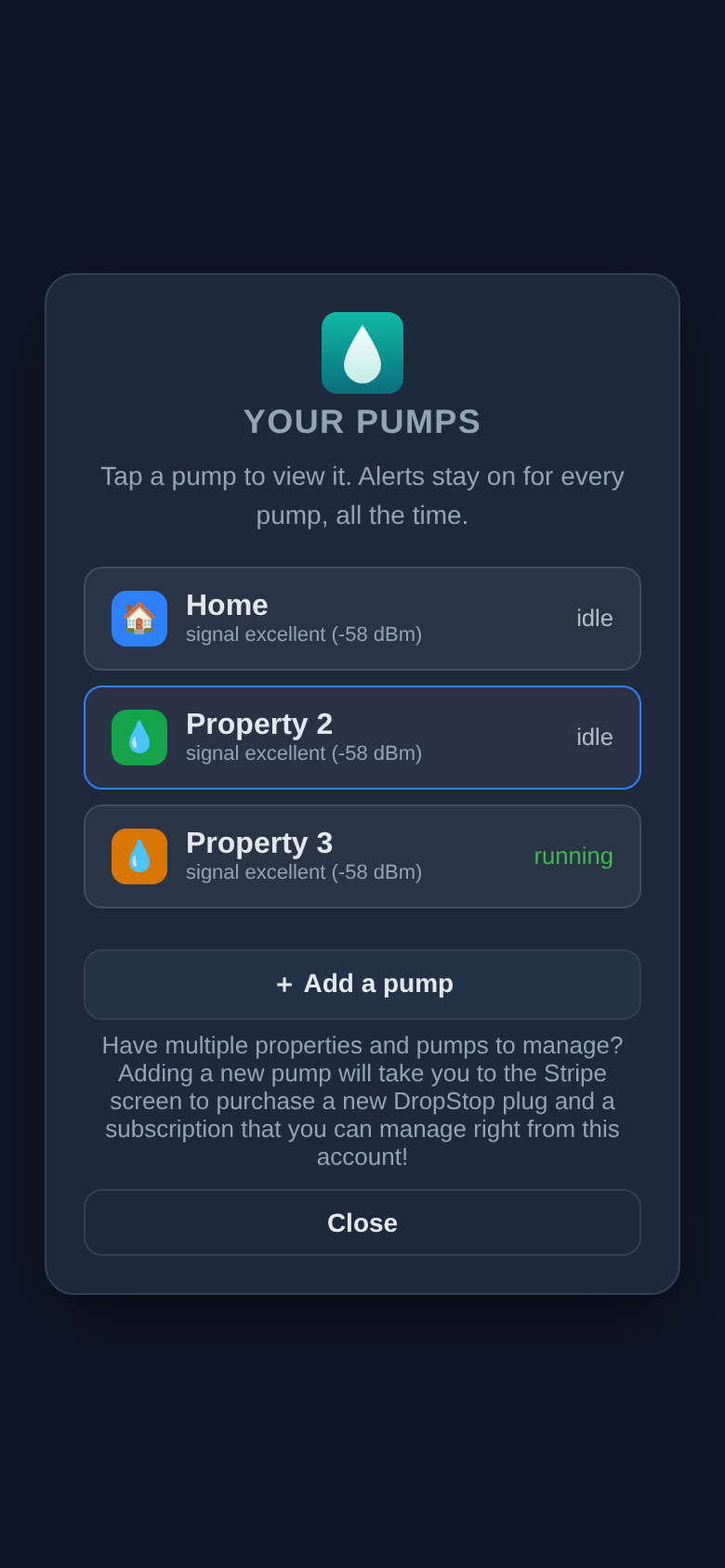
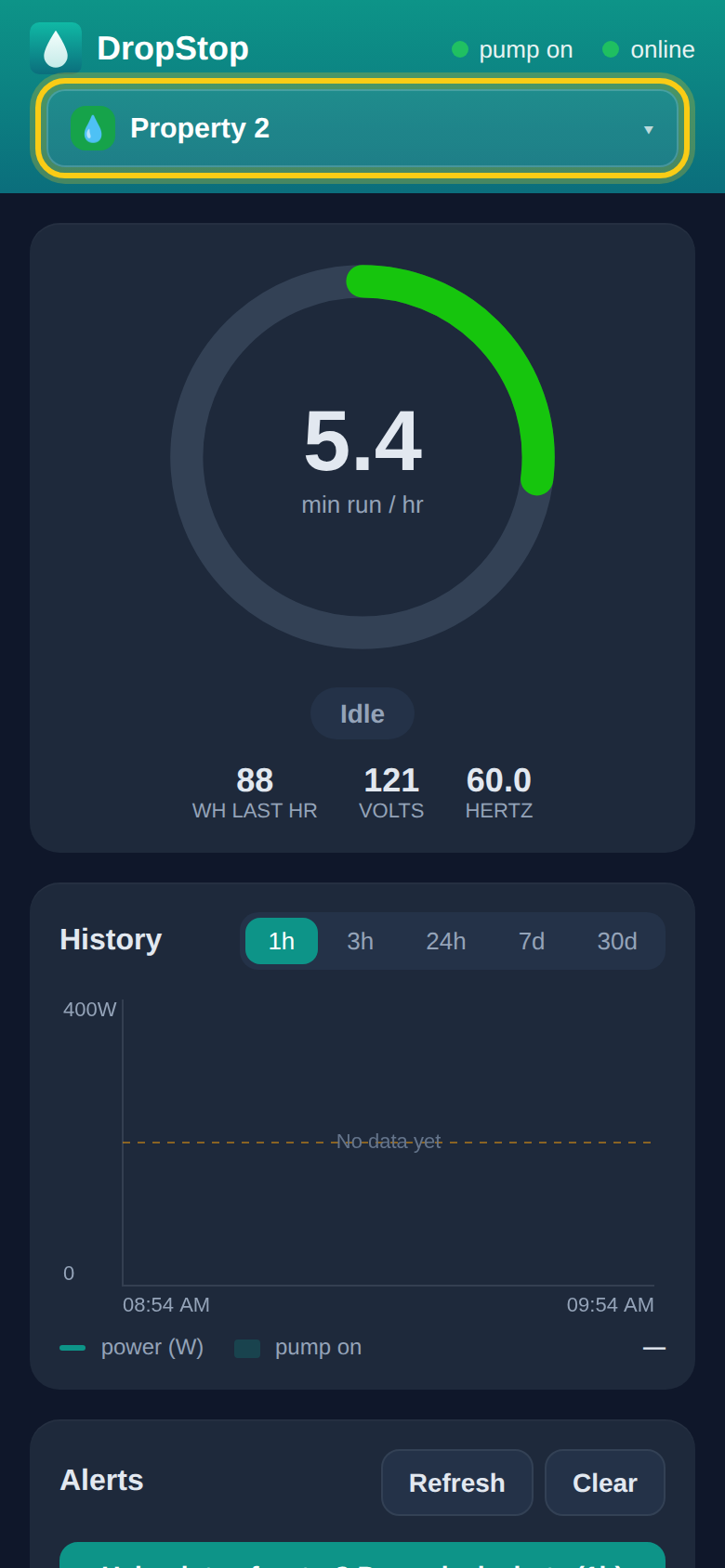
- Named by property. You name each pump for its property when you order it, and we print that name on the plug's label so the right plug goes to the right building.
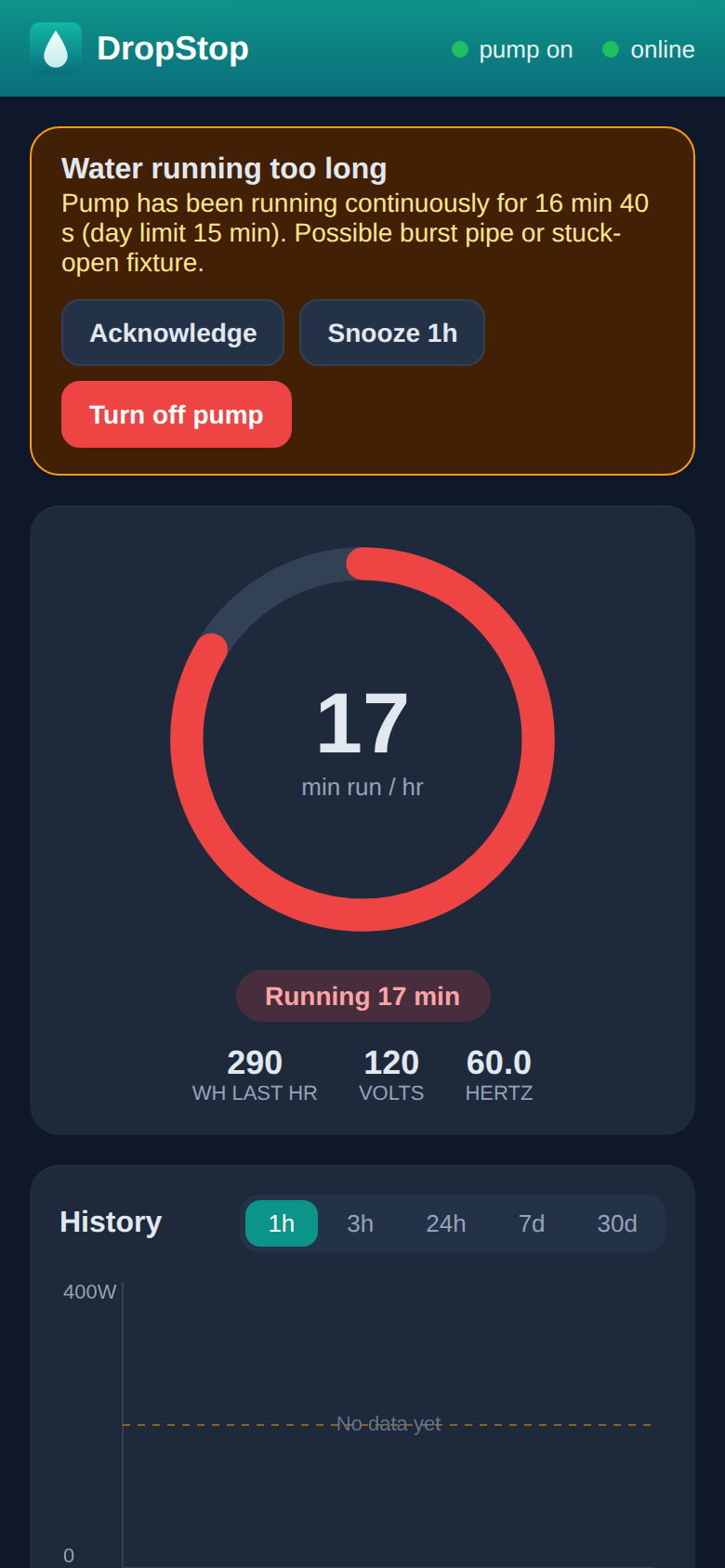
- Every alert says which property. Every pump is watched all the time, whichever one is on your screen, and each alert's title names the pump it's about.
- Add properties as you take them on. Account, then Manage pumps, then Add a pump. You can order several in a row without waiting for the first to arrive. See how.
- Billed per pump. Each plug includes its first months of monitoring, then that pump is $5 a month on its own, so the cost follows the properties you actually manage.
Set each property up for how it's used
- Settings are per pump. A busy family home and a quiet rental use water very differently. Leak limits, night hours and automatic shutoff are set for each pump on its own, so tuning one property never changes another.
- Away mode for empty properties. Between tenants, or while owners are off island, turn on Away mode for that pump. Almost any water use is suspicious in an empty house, so DropStop alerts sooner and, with automatic shutoff on, cuts the pump sooner too.
- Expecting heavy use? Filling a pool or a cistern at one property? Pause its leak alerts for an hour so the fill doesn't raise a false alarm. Your other properties stay fully watched.
Act from wherever you are
- Turn a pump off or on remotely. If a leak alert comes in, you can switch that property's pump off from the app before you or anyone else gets there, and back on once it's dealt with.
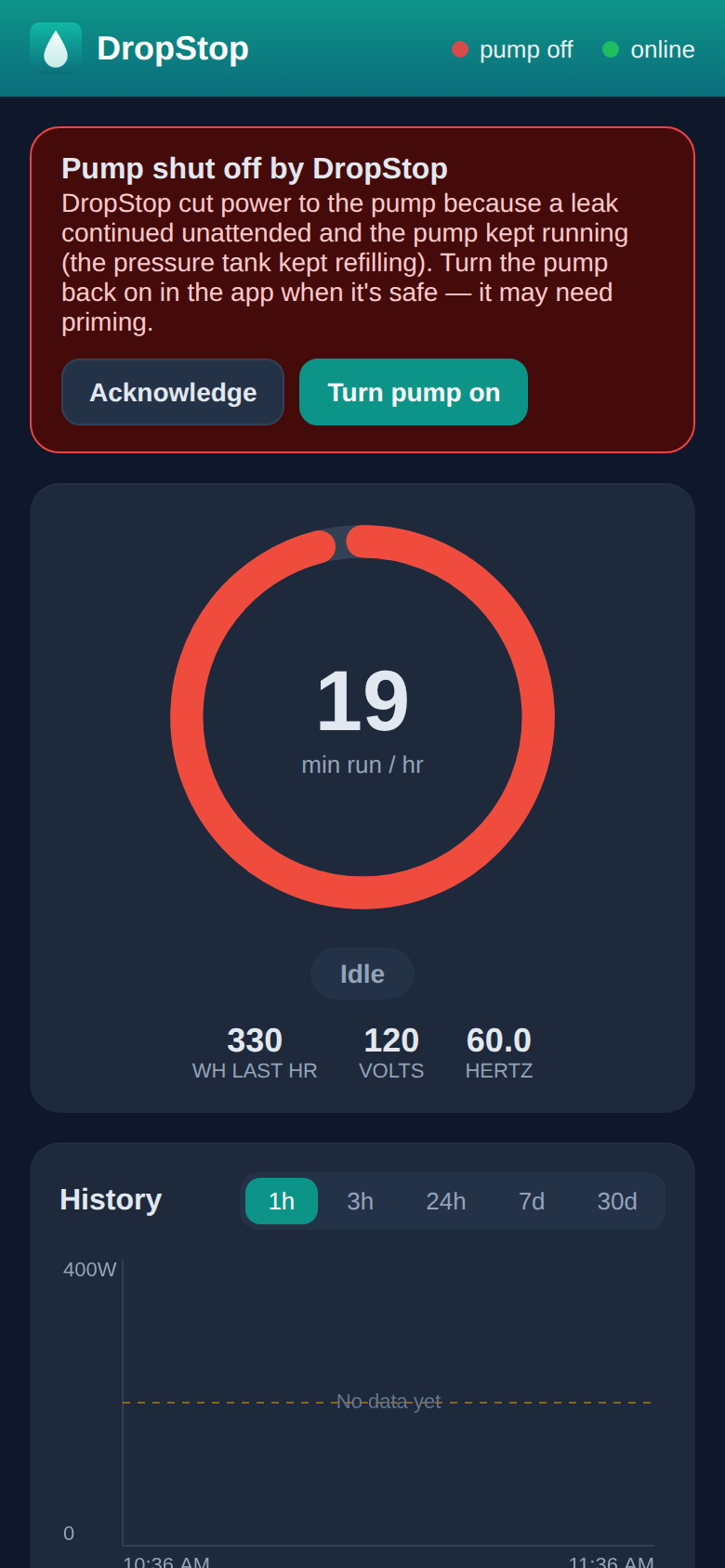
- Automatic shutoff when nobody answers. Turn it on per pump and, if a leak alert goes unanswered, DropStop warns you and then switches the pump off itself. A burst pipe at 3am doesn't wait for someone to wake up.
- Protects pumps from running dry. If a cistern or well runs empty, DropStop spots the pump running with no water and shuts it off before the motor is damaged or your PVC pipes melt.
- History for each property. Each pump's dashboard shows its water use over the last hour, day, week or month, useful when a bill looks high or a tenant reports low pressure.
Know a property is still being watched
- Offline alerts. If a plug loses its connection, because the property's internet is down or someone unplugged it, you're told which property, so you're never assuming a pump is watched when it isn't. If it stays offline for hours, you get one reminder.
- Told when the power or plug switched the pump off. If the pump goes off and DropStop didn't do it, for example after a power problem or someone pressing the plug's button, you're told, because that property may now have no water.
- Quiet at night for what can wait. Leak alerts always come through, day or night. A plug going offline at 3am can't be fixed until morning, so that notice is held and sent as a morning summary instead of waking you.
- Changing a property's WiFi? A new router or password doesn't have to mean a site visit. Tell DropStop the new network before the change and the plug moves over by itself. See how.
Share a pump with the people at each property
Any pump can be shared with other people: the owner of the property, a tenant, a caretaker, or others on your team. Each person you add gets the alerts for that pump on their own phone and can act on them, so whoever is closest can deal with it.
-
1
Pick the pump
Switch to the property's pump, then open Account and tap Manage users for pump.
-
2
Invite them by email
Enter the email address they use with Google and tap Invite. They can be added before they've ever used DropStop.
-
3
They sign in
Tell them to go to app.dropstopapp.com and tap Continue with Google. The pump is waiting for them, and they turn on alerts on their phone.
- Only the pumps you choose. Sharing is per pump. A tenant at one property sees that pump and nothing else on your account.
- No extra cost. The people you add don't need a subscription of their own.
- Full use of the pump. They see its status and history, get its alerts, can turn it off and on, and can change its settings, just as you can.
- You stay in charge of access and billing. Only the pump's owner can add or remove people and manage its billing. When a tenant moves out, remove them from that pump in the same place you added them.
- Someone on site when you're away. If you're travelling, add someone local to the pump so a person nearby gets the same alert you do.
Some pumps on a 20 amp or 240-volt plug? We can build a solution for those too. The app asks about each pump's plug before you buy, and if one needs something different we'll be in touch to sort it out.
Questions? See the questions and answers.